
🚀 Create an account
Overview of process
Local authorities may require a licence to place items such as building skips, scaffolding and signage on a public highway. This document describes the process for applying for a licence where the relevant local authority uses Formsite.UK Highway Authority Licensing System (HALS). You should first go to the local authority website licensing page and from there be redirected to the Formsite.UK HALS Home Page.
Once you have registered your account on the Formsite.UK website and created an application you can see the progress of your application in real time and message the Highway Authority directly so that all your communication is in one place.
Creating an account
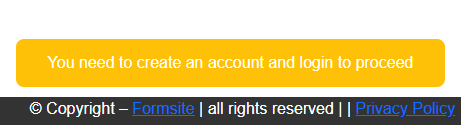
In order to use Highway Authority Licensing System from Formsite.UK you will need to create an account and login to the account.
Creating an account requires the following data:
- 1️⃣ an email address that will be used to verify your account and enable password management
- 2️⃣ a unique user name
- 3️⃣ a secure password
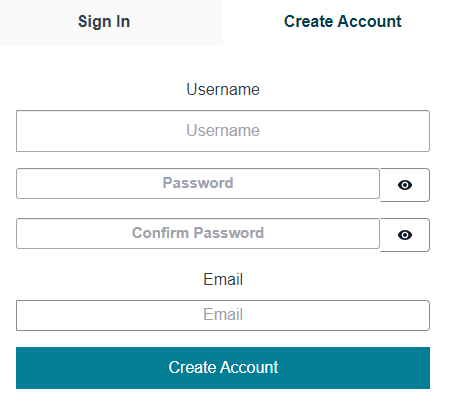
To sign up, enter a user name, a password twice and an email address that you will use for password recovery and other validation.
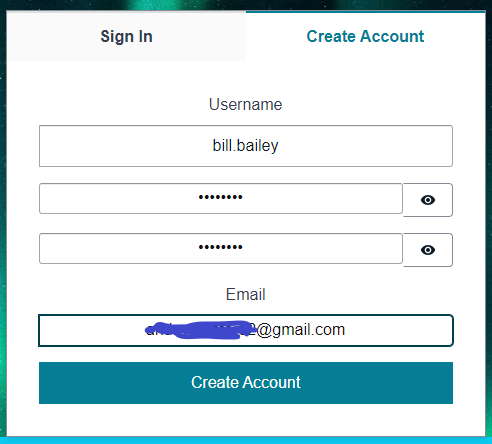
Username acceptable characters
NO SPACES ALLOWED IN USERNAME
Please note that the user name needs to be unique to this system so if you receive an on-screen message that the user name is already in use, choose a different name. Make sure your password contains a mix of lower case, upper case and numeric values. Other valid characters are punctuation symbols, maths symbols and any a character intended to be combined with another character (e.g. accents, umlauts, enclosing boxes, etc.)
Once the data you enter has passed the validation checks you will see a success message stating that an email has been sent to your email address as shown in the image below.
Error on Signup Attempt
What to do if you see an error message
Error message will be in red with a text description similar to this:
1 validation error detected: Value at 'username' failed to satisfy constraint: Member must satisfy regular expression pattern: [\p{L}\p{M}\p{S}\p{N}\p{P}]+
This regular expression means: \p{L} any kind of letter from any language upper or lower case \p{M} a character intended to be combined with another character (e.g. accents, umlauts, enclosing boxes, etc.) \p{S} math symbols, currency signs, dingbats, box-drawing characters, \p{N} any kind of numeric character in any script \p{P} any kind of punctuation character.
NO SPACES ALLOWED IN USERNAME
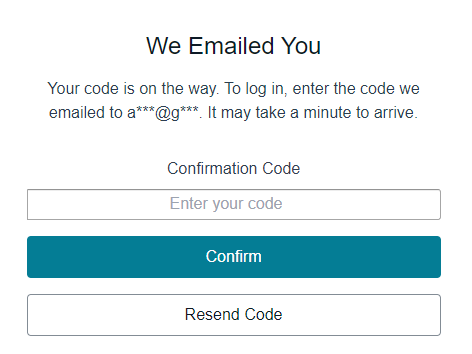
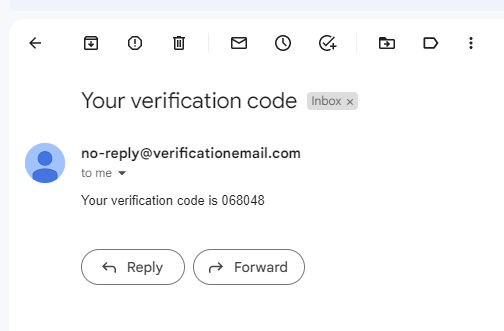
Sign in to your email account, at the address you used, to view the email message that contains a one time code.
Return to the HALS Signup page and enter the code from the email and click Confirm. If you did not receive an enail with a code after waiting a couple of minutes, click the Resend Code button to try again.
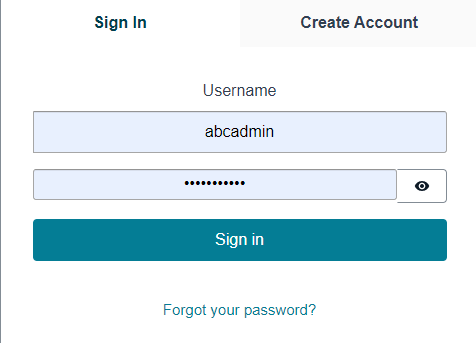
Signing in to your account
Information Messages
Street Manager
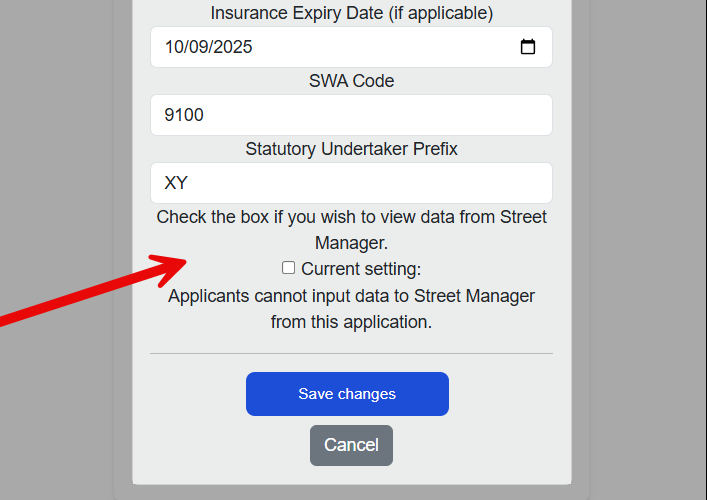
HALS is integrated with the UK Department for Transport registry of road works known as Street Manager. If your company is a statutotory undertaker registered with a SWA code you will be able to search for Street Works that have been recorded in Street Manager via the Street Manager Open Data API integration in near real time. A Street Manager Promoter or Contractor should first record planned street works in Street Manager and use the HALS search interface to find the Street Manager record and load the details imported from Street Manager into your permit application.
To use Street Manager integration with Open Data API you will need to update the Applicant registration details.
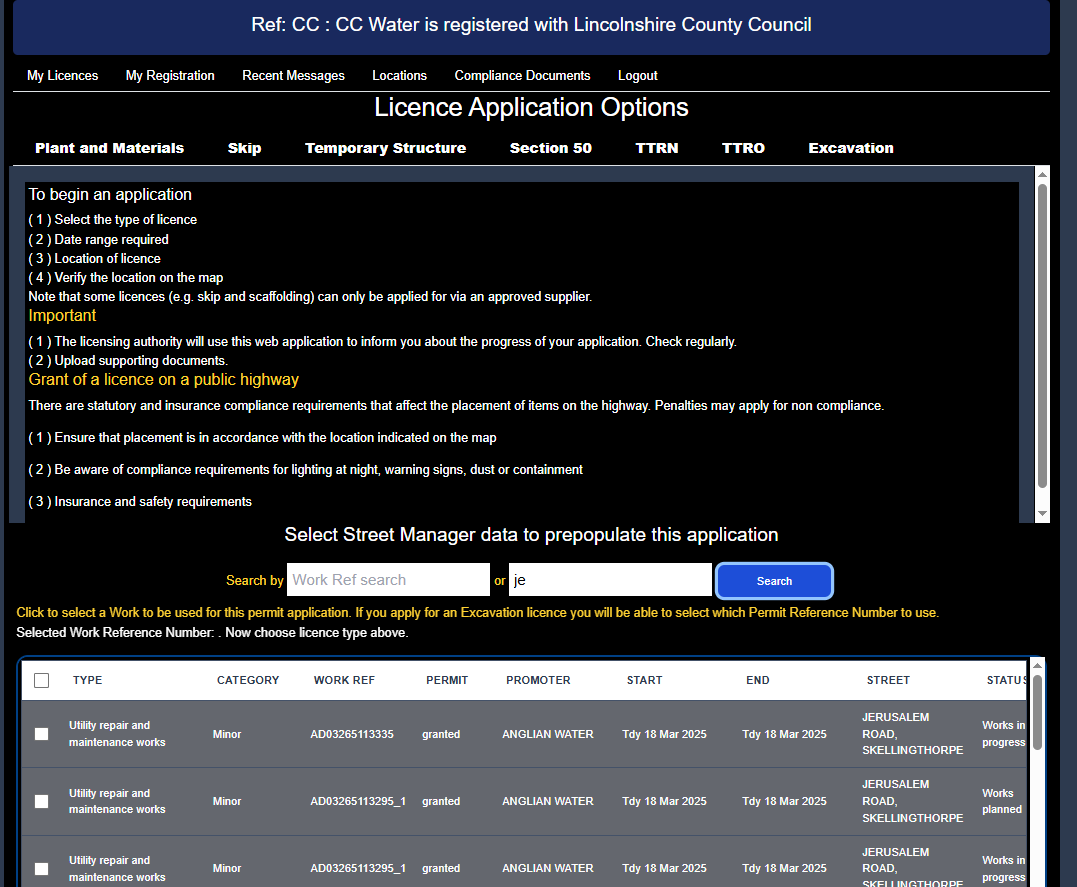
An example of searching for a street works recorded in Street Manager with a search by street mname is shown below. Select the specific Street Manager Works Reference Number and Permit Reference Number to prepopulate the licence application and avoid re-entering the data.
Navigation

Tips
Make sure you store your user name and password in a secure location that you can refer to at any time as you will need them each time you login to the system